
Keep related views together so the important pieces stay visible.
Trust. Forged into action.
Your work,finally in focus.
SolidOATH™ builds practical tools for people and companies who need work, records, choices, and next steps in one dependable place, with AI help when it makes the work easier.
 Clear records
Visible permissions
Saved work
Less tab hunting
Dependable return point
AI help when useful
Permission clarity
Calmer workspace
Clear records
Visible permissions
Saved work
Less tab hunting
Dependable return point
AI help when useful
Permission clarity
Calmer workspace
The digital forge
Turn scattered work into a calmer place to act.
PairedSCOPE™ is the human-facing workspace in the SolidOATH™ software family. SolidOATH is the software home. StonePath mirrors this public view for current visitors.
Come back to saved work without rebuilding the workspace from memory.
Review permissions before work moves into another tool or service.
Carry a careful task forward with the record and next step close at hand.
This is a public mirror of the current PairedSCOPE™ presentation. It is for inspection only and does not connect accounts, run provider actions, or expose private app internals.
PairedSCOPE™
A useful multi-view workspace with records close at hand.
Some work needs more than one window. PairedSCOPE™ is shaped for those moments: compare, keep, return, and make choices with less friction.
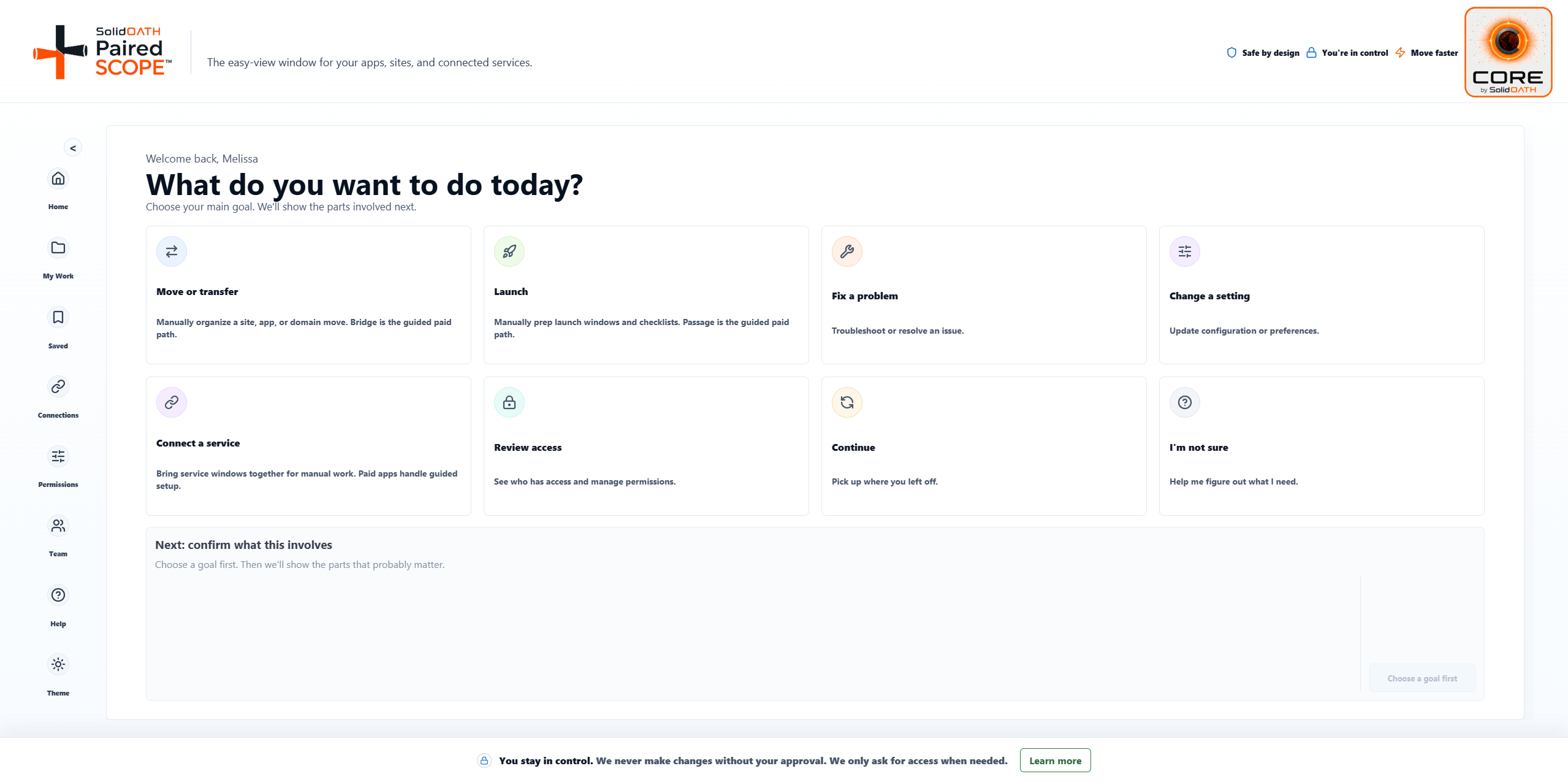
Goal selection
Choose the kind of work you are trying to move forward.
Choose the kind of work you are trying to move forward.
Workspace preview
Inspect the public PairedSCOPE™ surface.
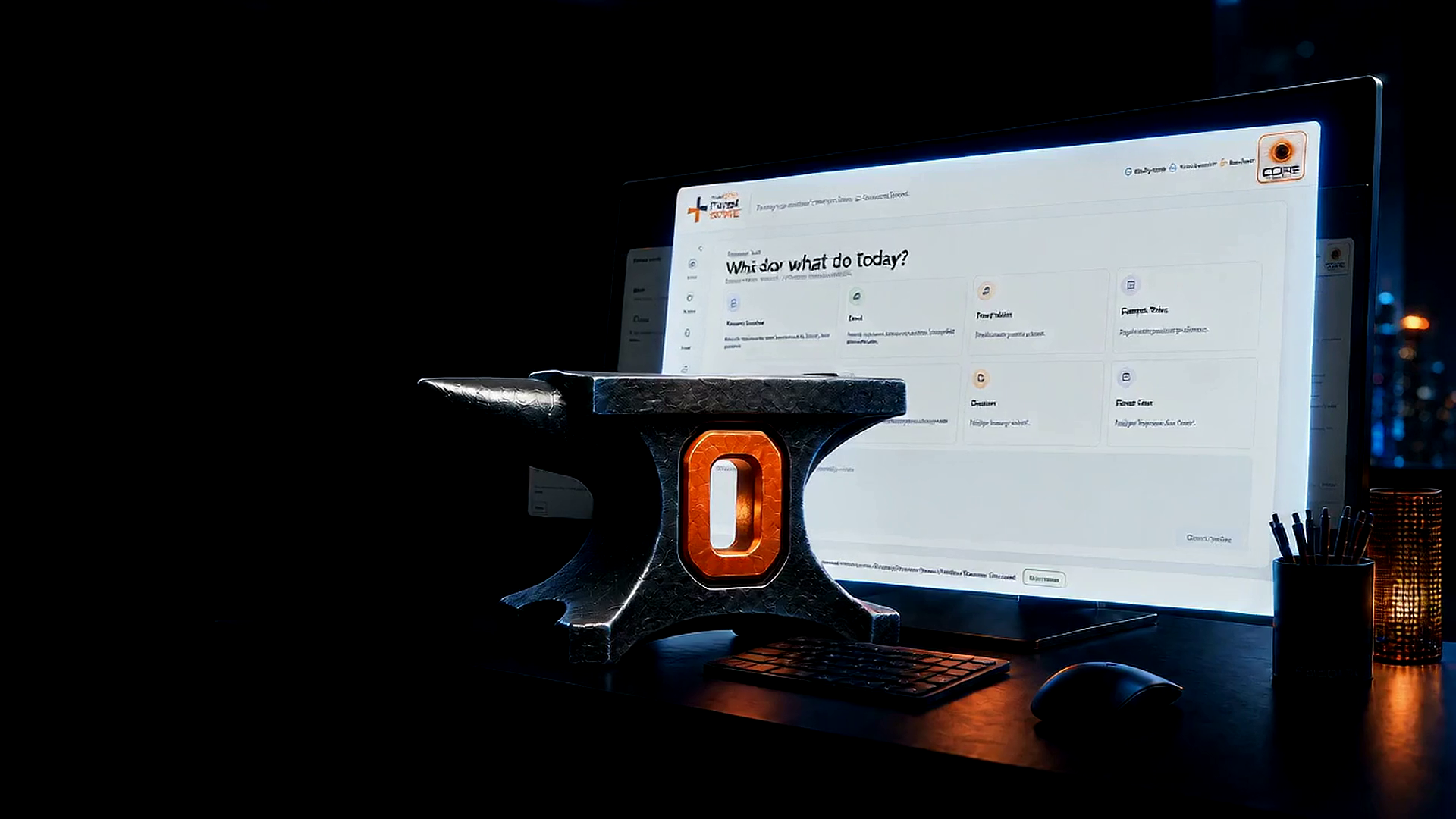
This preview shows the way PairedSCOPE™ keeps a task, its records, its selected parts, and its permission posture together before the next move.
What do you want to do today?
Suggested parts are ready. Change anything below, then open your easy view.
Safe by design
You stay in control
Move faster
Step 2: confirm what this involves
Website/app
Repository
Host/preview
Domain
Saved records
Email
Current view
Sites and tools
Bring service windows together while keeping the work manual and reviewed.
Saved
Return point
Preserve the selected path, notes, and current view so work can resume cleanly.
Permissions
Only what is active
Review the current permission posture before a task asks for outside access.
Current software family
SolidOATH software first. StonePath mirror when useful.
SolidOATH™ is the public software family home. StonePath can feature and mirror current public app surfaces for the people already working from StonePath.
Prepare
SolidOATH FirstStone™
A practical place to gather the first pieces of important work before the next step.
Open mirror Move forwardSolidOATH Passage™
A focused path for checking readiness, keeping notes, and moving toward launch.
Open mirror Move carefullySolidOATH Crossing™
A guided workspace for moving from one place, setup, or stage of work to the next.
Open mirror WorkspacePairedSCOPE™ by SolidOATH
A multi-view workspace with saved records, permission clarity, and less tab hunting.
Inspect here Account areaSolidOATH Core™
A secure account area for log-in and keeping saved work together.
View Core